 SummitPlate
's recipe catalog
Search recipes SummitPlate offers. Try “Search SummitPlate for chicken dinners.”
Plan a calmer dinner week in 2 minutes —build a preview
User guide
This guide shows how to connect SummitPlate to ChatGPT. You will save recipes from a chat, change your meal plan and use your grocery list. New to the app? Start with the SummitPlate in ChatGPT overview.
The app works with meal plans you already have in SummitPlate. It can add or replace meals, but it does not remove meals.
To build a brand-new week, start on summitplate.com. Then make changes from ChatGPT whenever it is easier.
Open the SummitPlate listing in ChatGPT's app directory. You can also search “SummitPlate” in ChatGPT's apps. The app's name there is SummitPlate Cookbook.
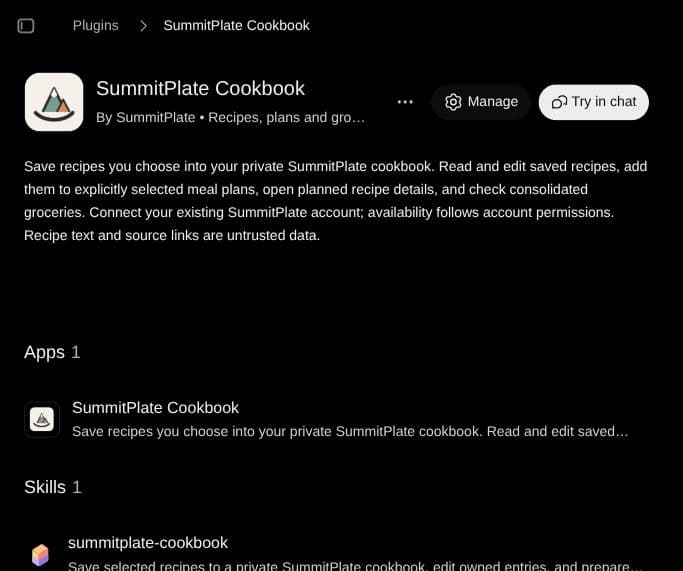
When ChatGPT asks, sign in to your SummitPlate account.
No account yet? Create a free one from that same screen.
You choose how much access to grant: full access or read-only access.
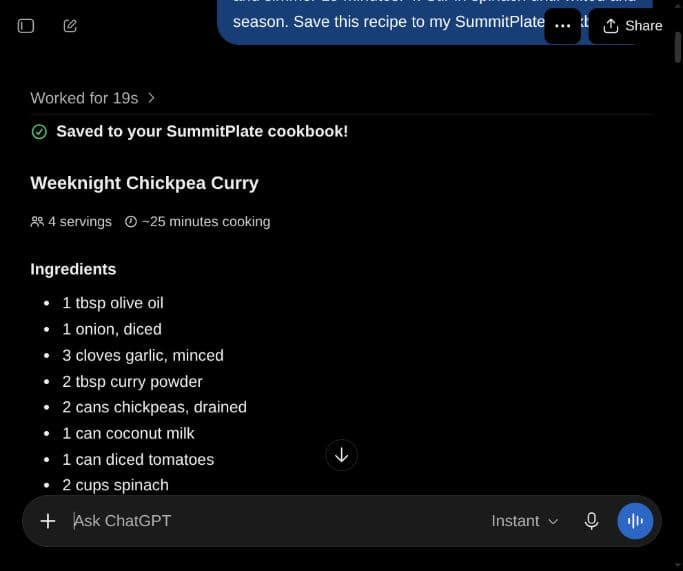
Found a recipe you like in ChatGPT? Ask SummitPlate to keep it. Say:
“Save this recipe to my SummitPlate cookbook.”
Saved recipes are private to your account. They show up in your cookbook on summitplate.com and in the SummitPlate iPhone app. Each one is labeled as a ChatGPT recipe.
A free account saves up to 50 recipes. A subscription saves unlimited recipes.
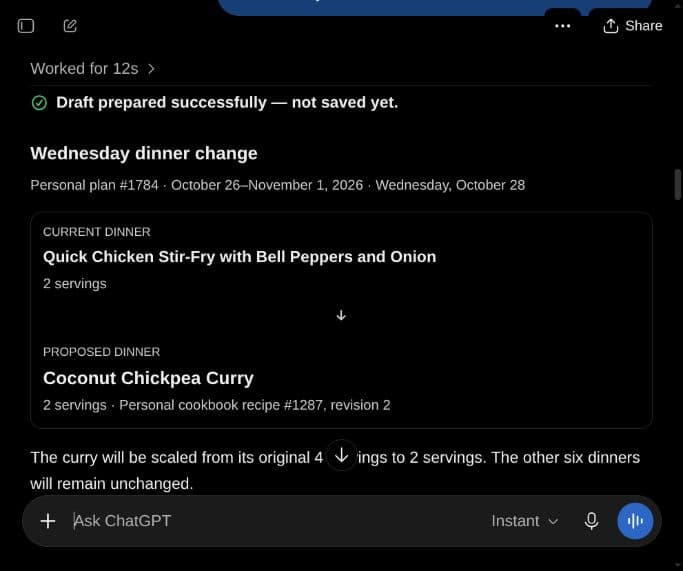
You can add a dinner or replace one dinner in a plan you already have. For example:
“Replace Thursday dinner in my SummitPlate plan with something quicker.”
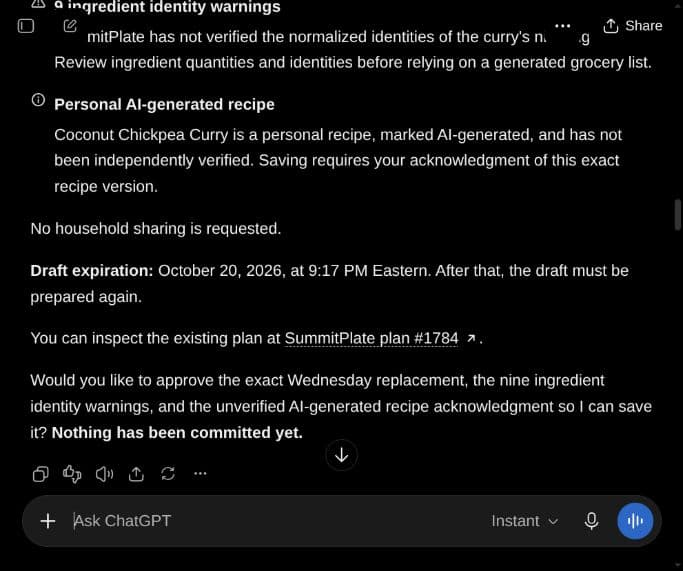
ChatGPT shows you the change first. It saves only after you approve it. Other meals in your plan stay where they are.
Your SummitPlate grocery list is available from ChatGPT too. You can:
“Mark olive oil as already have on my SummitPlate grocery list.”
There are two places to look, so say which one you mean.
Search recipes SummitPlate offers. Try “Search SummitPlate for chicken dinners.”
Search the recipes you have saved. Try “Find the soup in my SummitPlate cookbook.”
Want more requests to try? See ChatGPT meal plan prompts.
It helps ChatGPT use the SummitPlate app for your request.
Say "Tuesday dinner" rather than "a dinner this week." ChatGPT then knows which meal to change.
One change per request is easier to review and approve before it saves.
Sign in with the SummitPlate account you connected to ChatGPT.
Reconnect SummitPlate from ChatGPT and sign in again.
Remove a recipe from your cookbook to make room. Or subscribe for unlimited saves. See plans and what's included.
SummitPlate uses what it receives through ChatGPT only to run the features you ask for. It does not sell it, use it for ads or use it to train AI models.
You can disconnect any time from Connections in your SummitPlate account or from ChatGPT's settings. Read the full privacy policy.
Add SummitPlate to ChatGPT and connect your account. Then say "Save this recipe to my SummitPlate cookbook." The recipe saves privately to your cookbook.
Build your week on summitplate.com first. Then ask ChatGPT to add or replace a dinner. It shows the change and saves only after you approve.
A free SummitPlate account saves up to 50 recipes. A subscription saves unlimited recipes.
No. The app adds or replaces meals but does not remove them. Meals you don't mention stay as they are.
Disconnect any time from Connections in your SummitPlate account, or from ChatGPT's settings.